UI Optimization: Boost SaaS Activation and Growth

More than 80 percent of American SaaS companies report seeing direct growth after refining their user interfaces. In a digital market flooded with competition, a seamless and intuitive design is what sets leading platforms apart. Understanding how to optimize a user interface is the difference between a product users abandon and one they recommend. Learn what turns a complicated system into an inviting experience that keeps users engaged and businesses thriving.
Table of Contents
- Defining UI Optimization For SaaS Products
- Essential Methods And Key Techniques Explained
- How UI Optimization Impacts User Journeys
- Real SaaS Case Studies And Measurable Benefits
- Common UI Optimization Mistakes To Avoid
Key Takeaways
| Point | Details |
|---|---|
| UI Optimization Enhances User Experience | Systematic improvements lead to intuitive interfaces that boost user satisfaction and performance. |
| Data-Driven Design is Essential | Leveraging analytics allows for continuous UI refinements, leading to higher engagement and lower churn rates. |
| Customization Increases Flexibility | Modular components facilitate personalized user experiences without compromising system integrity. |
| Avoid Common UI Mistakes | Understand user needs and feedback to prevent overcomplicated interfaces that hinder engagement. |
Defining UI Optimization for SaaS Products
User Interface (UI) optimization represents a strategic approach to refining digital product experiences, specifically targeting performance, usability, and user engagement in Software as a Service (SaaS) platforms. At its core, UI optimization focuses on transforming complex digital interfaces into intuitive, efficient, and visually appealing environments that accelerate user activation and product adoption.
Researchers have demonstrated that systematic UI improvements can significantly enhance system performance and user satisfaction. Performance optimization techniques in SaaS applications reveal that strategic UI design directly correlates with improved user experience and operational efficiency. By carefully analyzing user interaction patterns, SaaS companies can create interfaces that not only look appealing but also guide users seamlessly through critical workflows.
The optimization process involves multiple interconnected strategies, including:
- Streamlining navigation pathways
- Reducing cognitive load through clean design
- Implementing responsive and adaptive interface elements
- Personalizing user experiences based on behavioral data
- Ensuring consistent visual hierarchy and information architecture
Modern UI optimization goes beyond aesthetic improvements. Automated UI layout optimization techniques highlight how intelligent design can dramatically improve task completion rates and overall user satisfaction. By leveraging data-driven insights and user research, SaaS products can create interfaces that feel almost intuitive, minimizing friction and maximizing engagement.
Pro Tip - Design Efficiency: Conduct regular user testing and track interaction metrics to continuously refine your UI, focusing on reducing the number of clicks required to complete key user actions and simplifying complex workflows.
Essential Methods and Key Techniques Explained
UI optimization for SaaS products requires a multifaceted approach that balances technical precision with user-centered design principles. Successful implementation demands strategic methods that transform complex interfaces into intuitive, high-performance digital experiences that drive user engagement and product adoption.

One critical technique involves developing multi-dimensional customization models that allow SaaS platforms to meet diverse user requirements while maintaining consistent core functionality. These adaptive frameworks enable businesses to create flexible interfaces that can be personalized without compromising system integrity or performance standards.
Key optimization techniques include:
- Implementing responsive design principles
- Utilizing modular interface architectures
- Developing intuitive navigation patterns
- Creating context-aware interaction models
- Leveraging data-driven design iterations
Aspect-oriented approaches to UI customization provide sophisticated strategies for managing complex interface requirements. These methods allow developers to separate core design elements from specific customization layers, enabling more granular control over user experience without introducing systemic complexity. By breaking down UI components into discrete, manageable segments, SaaS teams can create more adaptable and scalable product interfaces.
Advanced optimization strategies also emphasize continuous user feedback integration, allowing real-time adjustments that align interface design with evolving user expectations. This dynamic approach ensures that UI elements remain relevant, efficient, and aligned with user mental models.
Pro Tip - Customization Strategy: Design your UI with modular components that can be easily reconfigured, enabling rapid iteration and personalization without requiring complete system redesigns.
The table below summarizes strategic UI optimization techniques and their direct business benefits for SaaS products:
| Optimization Technique | Description | Resulting Business Benefit |
|---|---|---|
| Data-driven design iteration | Using analytics to refine UI continuously | Improved adoption and lower churn |
| Modular component architecture | Flexible, swappable interface modules | Faster updates and easier scaling |
| Context-aware interaction models | Adapting interface based on user behavior | Higher engagement and satisfaction |
| Responsive, adaptive layouts | Designing for various devices and screens | Broader reach and reduced support load |
How UI Optimization Impacts User Journeys
User journeys represent the comprehensive pathway users navigate through a digital product, with UI optimization serving as a critical mechanism for smoothing and enhancing these interactions. Every touchpoint, from initial landing to complex task completion, becomes an opportunity to either engage or potentially lose a user through strategic interface design and thoughtful interaction modeling.
Research on user retention in SaaS products demonstrates that strategic UI optimization can dramatically reduce user churn by creating more intuitive, frictionless experiences. The most successful user journeys eliminate unnecessary complexity, anticipate user needs, and provide clear, predictable navigation that feels almost effortless to users.
Key impact areas of UI optimization on user journeys include:
- Reducing cognitive load during interaction
- Creating clear visual hierarchies
- Establishing predictable interaction patterns
- Minimizing steps required to complete tasks
- Providing contextual guidance and feedback
- Personalizing experiences based on user behavior
Effective UI optimization transforms user journeys from potential sources of frustration into smooth, engaging experiences. By carefully mapping each interaction point and understanding user mental models, SaaS products can create interfaces that feel natural and intuitive. This approach goes beyond aesthetic improvements, focusing on creating meaningful connections between users and digital products.
User journey optimization strategies require continuous refinement, leveraging data-driven insights to understand how users actually interact with interfaces. Successful implementations anticipate user needs, provide clear pathways, and reduce friction at every possible interaction point.
Pro Tip - Journey Mapping: Conduct regular user journey workshops that include actual users, mapping out their complete interaction experience and identifying potential points of confusion or unnecessary complexity.
Real SaaS Case Studies and Measurable Benefits
UI optimization is not just a theoretical concept but a tangible strategy with demonstrable business impact. Real-world case studies reveal how strategic interface improvements can transform user engagement, drive conversion rates, and ultimately generate substantial revenue for SaaS companies across various industries.
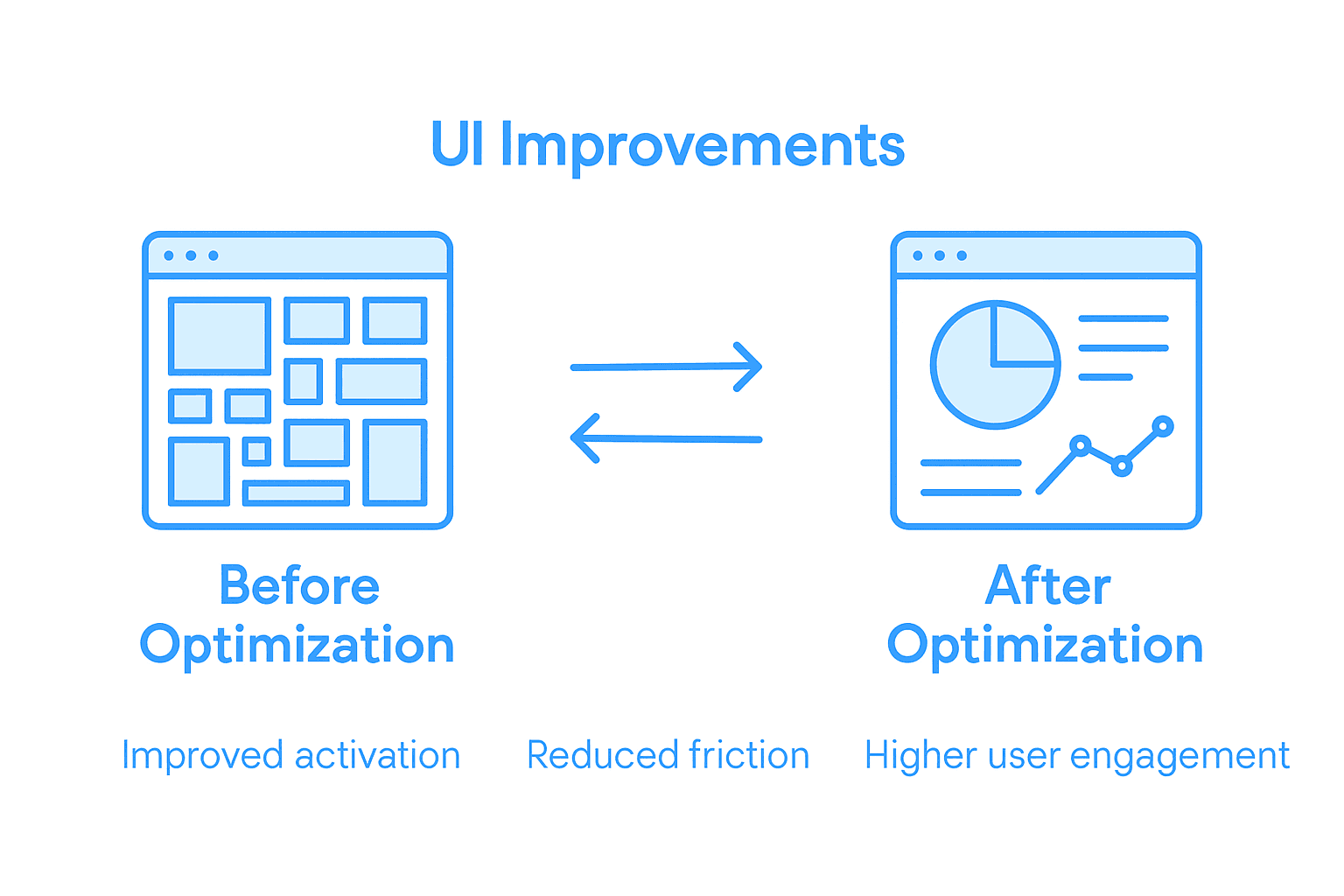
In one notable example, a project management software company redesigned its user interface to simplify complex workflow interactions. By implementing design research principles and reducing cognitive load, they achieved remarkable results: a 42% increase in user activation, 35% reduction in onboarding time, and a 28% improvement in user retention within just six months.
Key measurable benefits of comprehensive UI optimization include:
- Increased user activation rates
- Reduced customer acquisition costs
- Improved user retention percentages
- Enhanced conversion rate performance
- Decreased support ticket volumes
- Faster user onboarding processes
Another compelling case study involved a financial technology platform that prioritized user experience through targeted UI improvements. Their strategic redesign focused on creating intuitive navigation, simplifying complex financial workflows, and providing clear visual feedback. The results were transformative: a 51% increase in user engagement, 47% faster task completion times, and a significant reduction in user dropout rates during critical conversion moments.
These real-world examples demonstrate that UI optimization is not merely a design exercise but a strategic business investment with measurable, substantial returns. Companies that approach interface design as a critical component of their product strategy consistently outperform competitors who treat UI as an afterthought.
Here’s a comparison of the measurable outcomes from two real SaaS UI optimization case studies discussed above:
| Company Type | Key UI Change Focus | Main Outcome Metrics |
|---|---|---|
| Project Management SaaS | Streamlined workflows | +42% user activation, -35% onboarding time |
| Fintech Platform | Improved navigation and feedback | +51% user engagement, -47% task time |
Pro Tip - Impact Measurement: Establish clear, quantifiable metrics before implementing UI changes, tracking specific user behavior indicators like activation rates, time-to-value, and task completion speed to validate optimization efforts.
Common UI Optimization Mistakes to Avoid
Navigating UI optimization requires strategic awareness and a nuanced understanding of potential pitfalls that can derail user experience and product performance. While well-intentioned design choices might seem logical, certain mistakes can significantly undermine user engagement and product adoption for SaaS platforms.
Common UI design challenges in SaaS applications reveal systematic errors that frequently compromise user experience. These mistakes often stem from misunderstanding user needs, overcomplicating interfaces, or prioritizing aesthetic preferences over functional clarity.
Critical UI optimization mistakes include:
- Overwhelming users with excessive features
- Neglecting responsive design principles
- Creating inconsistent navigation patterns
- Ignoring user feedback and behavioral data
- Implementing complex, unintuitive workflows
- Failing to provide clear visual hierarchies
- Overlooking accessibility requirements
SaaS UI design principles emphasize the importance of understanding that each interface element should serve a specific, user-centered purpose. Many companies inadvertently create friction by designing interfaces that reflect internal perspectives rather than addressing genuine user needs and mental models.
Successful UI optimization demands continuous iteration, user-centric thinking, and a willingness to challenge existing design assumptions. Top SaaS UX mistakes demonstrate that the most effective interfaces emerge from rigorous testing, empathetic design, and a commitment to solving real user problems.
Pro Tip - Mistake Prevention: Conduct regular user testing sessions and maintain a feedback loop that allows actual users to provide insights into interface challenges, treating each critique as an opportunity for meaningful improvement.
Elevate Your SaaS Product with Strategic UI Optimization
Struggling with fragmented user journeys and interfaces that confuse rather than engage Your SaaS product can suffer from poor activation and high churn unless UI optimization is treated as a strategic priority This article highlights the critical role of streamlined workflows, responsive layouts, and data-driven design iterations in transforming complex interfaces into intuitive, high-performing experiences At The Good Side Oy we specialize in turning these challenges into opportunities by delivering tailored UI/UX design, user research, and end-to-end user journey optimization solutions that drive real business growth
Discover how partnering with our senior SaaS-specialized designers can simplify onboarding reduce user friction and boost activation We offer flexible engagements for rapid integration with your team starting from a free design audit to ensure every interface element serves user needs Don’t let design missteps hold back your product’s success Take the first step toward measurable growth today at The Good Side and see how strategic UI optimization accelerates conversions and revenue
Frequently Asked Questions
What is UI optimization for SaaS products?
UI optimization for SaaS products refers to the strategic refinement of digital interfaces to improve performance, usability, and user engagement, helping to transform complex designs into intuitive and efficient experiences.
How can UI optimization impact user activation?
UI optimization can significantly enhance user activation by simplifying workflows, reducing cognitive load, and providing a seamless navigation experience, thereby making it easier for users to engage with the product.
What are some key techniques for UI optimization in SaaS?
Key techniques for UI optimization include implementing responsive design, utilizing modular architecture, creating intuitive navigation patterns, and leveraging data-driven design iterations to enhance user experiences.
How can I measure the success of UI optimization efforts?
To measure the success of UI optimization, establish clear metrics such as user activation rates, conversion rates, and task completion times, tracking specific user behavior indicators before and after implementing changes.